"Fast internet" does not always mean "stable internet". A line can show several Mbps in a speed test and yet it cuts out in the video call, the POS is delayed, the VPN hangs or the connection drops when mobile phones, TVs and laptops are turned on at the same time. In 2026, with telecommuting, cloud apps, streaming, online courses and small businesses working almost exclusively from a browser, stability is often more important than impressive speed numbers.
The correct way to look at it is simple: one is the provider's line, another is the router, another is the Wi-Fi inside the space, and another is the connected devices. If we don't distinguish these four, we end up switching connection packages when the problem is a bad wall, an old extender or a channel full of interference.
Start with diagnosis, not with the purchase of new equipment
The first step is to measure the Ethernet cable connection directly to the router. If with cable you get good speed, low ping and stability, then the provider's line is probably not the main problem. Although with cable there are drops, large fluctuations or packet loss, then the line, modem/router or provider should be checked.
Keep two different measurements: one next to the router and one where you usually work. Note time, number of devices and what was happening on the network. The difference between the two measurements shows how much is "lost" in space. This is more useful than a random speed test at 3 in the morning.
The location of the router changes more than we think
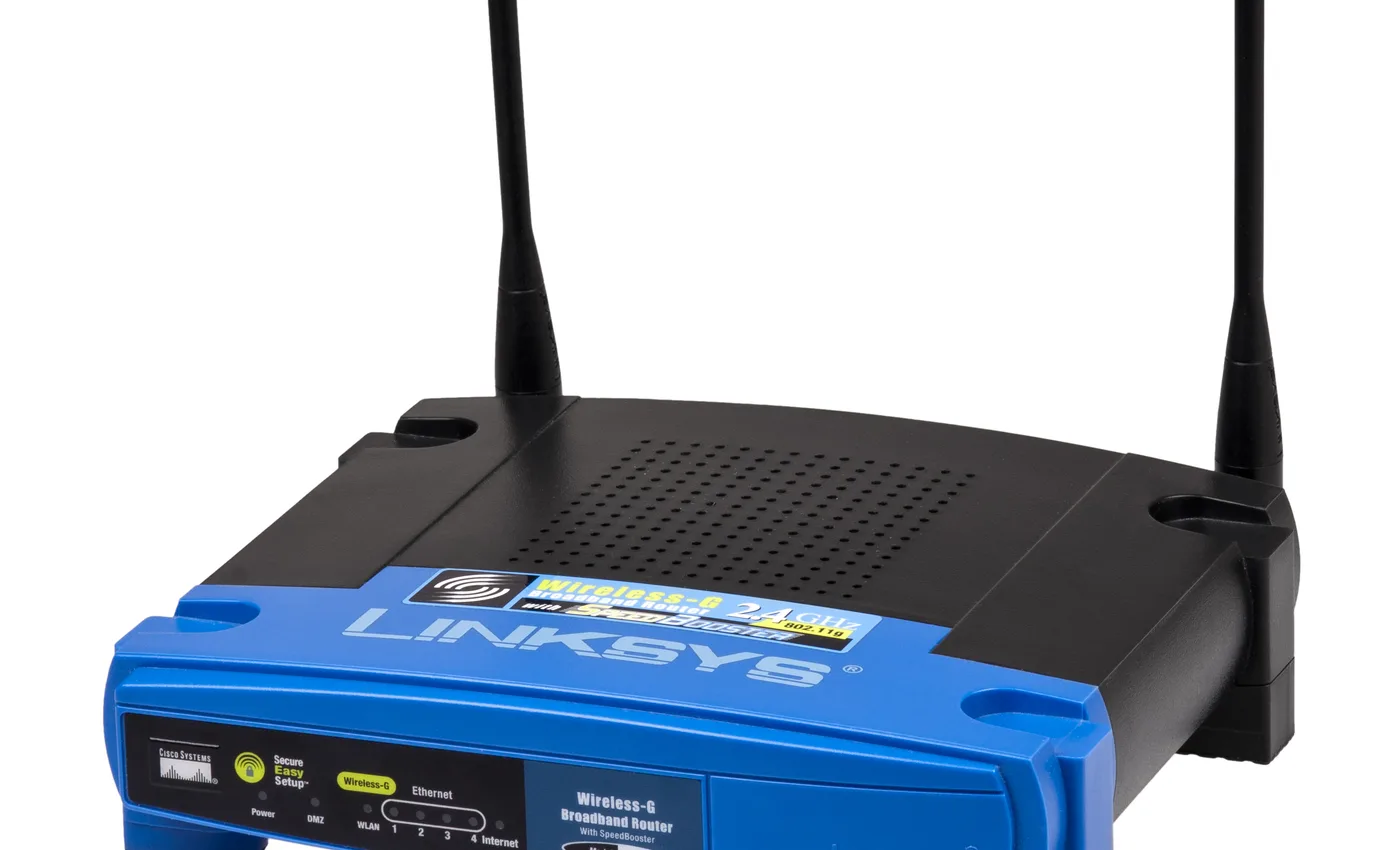
Ofcom, FCC and Google guidelines agree on something practical: the router should be as central as possible, high up, in an open spot and away from metal, water, electrical appliances and thick walls. The classic mistake is to leave it behind a TV, inside a piece of furniture, next to a power socket or on the floor because that's where the cable fits.
If you have an office, an e-shop or a small shop, it pays to treat Wi-Fi as an infrastructure, not as a "provider's box". The router should not just cover the space. It must properly cover the points where there are cash registers, work computers, cameras, printers, scanners and customer waiting points.
Ethernet where there's work, Wi‑Fi where there's convenience
For fixed workstations, NAS, desktop, TV, console, POS or access point, Ethernet remains the most reliable solution. It is not affected by walls, neighboring networks, microwave ovens or how many people pass in front of the router. If you work professionally from a specific office, a proper Cat 6 cable is often a better investment than an expensive mesh.
Wi‑Fi is great for mobility and flexibility, but it shouldn't do all the heavy lifting on its own. The healthy installation is a hybrid: cable for the critical points, Wi‑Fi for the daily commute, and a separate guest network for visitors or customers.
Mesh, extender or access point?
Old repeaters/extenders are cheap and easy, but often cut speed and increase latency. It is a necessity solution, not a business basis. Mesh systems are smarter, because they coordinate multiple access points and can provide smoother coverage in a home or small office. Even better, when possible, are access points with wired backhaul: that is, each Wi-Fi point receives wired internet and broadcasts locally.
If the space has floors, stone, concrete or metal structures, don't expect miracles from a single router. That's where mapping is needed: which spots are "blind", which need real speed, and which just want basic coverage.
Wi‑Fi 6, 6E and 7: when is it worth upgrading?
Wi‑Fi 6 brought better multi-device management. Wi‑Fi 6E added use of the 6 GHz band where permitted. Wi‑Fi 7 adds features such as Multi‑Link Operation, much larger channels and lower latency in ideal conditions. But upgrading only makes sense if your devices support it and if the line/installation can take advantage of it.
For most users, a good Wi‑Fi 6 mesh or access point in the right place will give more practical benefit than an expensive Wi‑Fi 7 router thrown in the same bad spot. For businesses with many users, video calls, cloud ERP or VoIP, it is worth designing the network separately and not staying with the provider's default router.
Backup connection so that the work does not stop
Ultimate stability doesn't just come from better Wi-Fi. It also comes from reserve. A 4G/5G router or a dual‑WAN setup can keep an office online when the main line goes down. For e-shop, reservations, accounting, help desk or VoIP telephony, the cost of a second short connection is often lower than the cost of a day without internet.
The right scenario is not "having a hotspot somewhere". It is for the network to know when the baseline goes down and automatically or with a very simple process turn to the second. This doesn't always need expensive equipment, but it does need a clear plan.
Practical stability checklist
- Measure with Ethernet first, then with Wi‑Fi.
- Put the router high, central and open.
- Use 5 GHz for critical devices close to the router and 2.4 GHz for greater coverage.
- Don't unnecessarily load the same Wi-Fi with cameras, guests, TVs and work.
- Prefer mesh or wired access points instead of random extenders.
- Keep firmware updated and change default passwords.
- For a business area, put a backup 4G/5G connection or a second line.
Stable internet is not luck. It's a combination of line, proper equipment, proper placement, and a little discipline in what goes where. When these are lined up, most "mysterious" holidays disappear.