Buying SSD and RAM in 2026 requires more attention than it did a few years ago. It is not only a matter of “buy the biggest one you can afford”. Prices for memory and storage have been strongly affected by the rise of AI data centers, increased demand for HBM, server DRAM and enterprise SSDs, and the fact that manufacturers are shifting production capacity toward products with higher margins.
For the everyday user, this becomes a practical question: should you buy now or wait? The right answer depends on the use case. If the machine is already slowing down your work, the upgrade has immediate value. If you simply want to buy something because it might become more expensive, a calmer approach is better.
SSD: NVMe or SATA?
A SATA SSD remains a huge upgrade compared with an old HDD. For older laptops, office desktops and machines used for browsing, email, ERP or basic work, a reliable SATA SSD can completely change how the computer feels.
An NVMe SSD, however, is the obvious choice for newer systems with an M.2 PCIe slot. It offers much higher speeds, lower latency and a better experience with large files, development, video editing, gaming, photography, virtual machines and databases. The difference is not always obvious when opening a simple browser, but it appears when the system is under load.
How much SSD capacity do you need?
256 GB is now the minimum and only for very basic use. 512 GB is the safe entry point for an office laptop. 1 TB is the most balanced option for professional use, development, photos, small video projects and comfortable dual boot. 2 TB or more makes sense for content creators, games, large project folders, local backups and datasets.
Do not look only at capacity. Check TBW/endurance, warranty, temperatures, whether a heatsink is needed and whether the motherboard supports the NVMe generation. A top PCIe 5.0 SSD in a system that cannot use it may be wasted money. For many users, a good PCIe 4.0 SSD offers the best price/performance balance.
RAM: 8, 16, 32 or 64 GB?
8 GB is now borderline. It can survive in very simple use, but a modern browser, video calls and many tabs fill it quickly. 16 GB is the practical minimum for a new office computer. 32 GB is the right choice for developers, content creators, many tabs, local servers, Docker, Lightroom, heavier Excel/BI files and serious multitasking.
64 GB is not a luxury if you work with virtual machines, large datasets, 4K editing, CAD, heavy plugins or local AI experiments. If the use case is email, browser and accounting apps, however, 64 GB will not make the machine magically faster. The bottleneck may be the SSD, processor or network.
DDR4 or DDR5?
In a new system, DDR5 is the natural choice. It offers higher bandwidth and a better outlook for the next few years. In an existing DDR4 system, however, you do not replace the whole platform only for memory if the machine still covers the work. An upgrade from 8 to 32 GB DDR4 can be more economical and more meaningful than a new motherboard/CPU/RAM.
Also pay attention to compatibility. Laptops often have soldered RAM or limited slots. Before buying, check the manual, maximum supported memory and module type. For desktops, prefer kits of the same model instead of mixing random modules.
Why did prices rise?
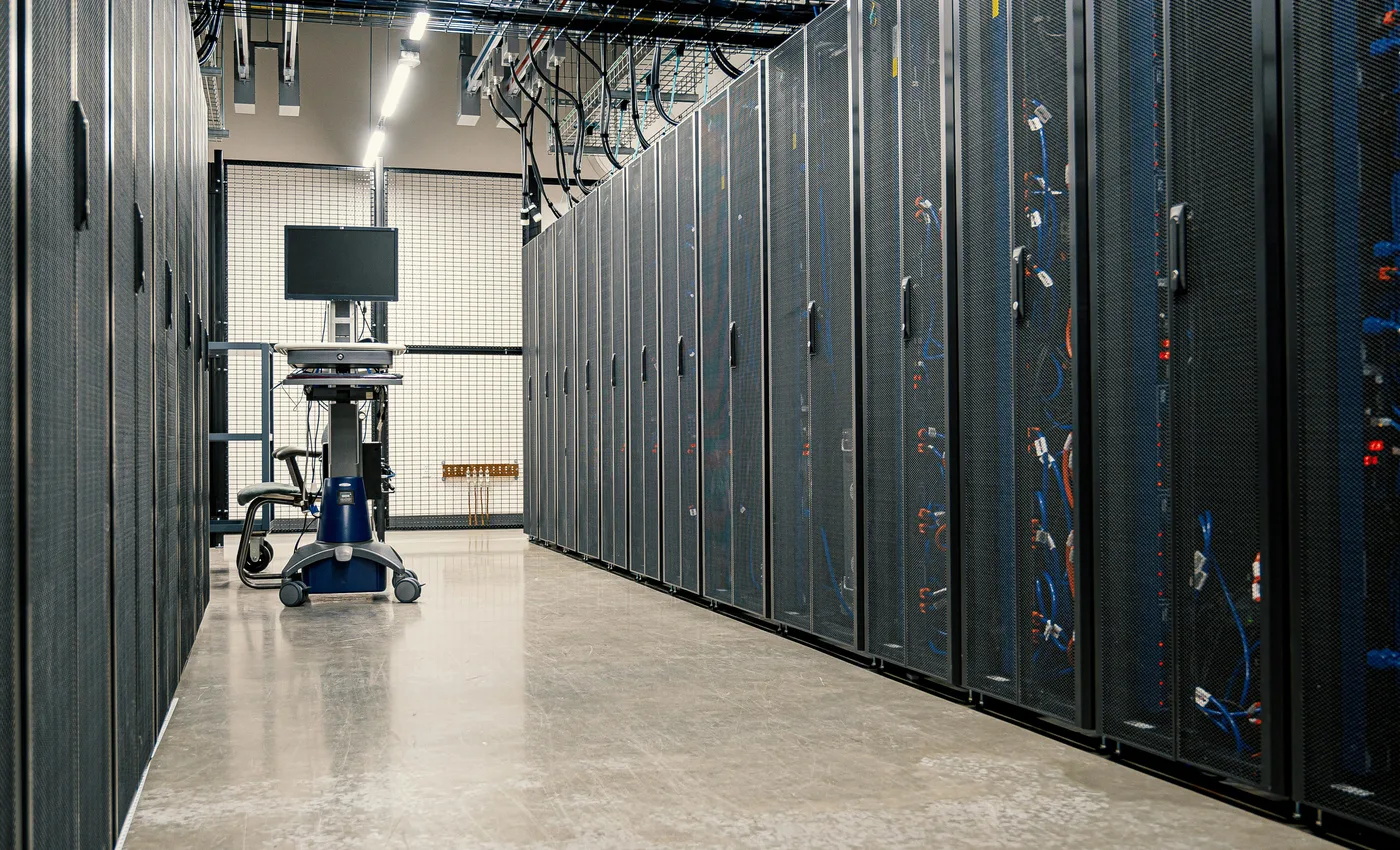
The short answer is: AI and data centers. Demand for HBM, server DRAM and enterprise storage puts pressure on production. According to TrendForce, the DRAM and NAND market is affected by capacity shifting toward AI/server applications, while contract price increases in 2026 are strong. When large cloud companies lock in long-term supply, the consumer market is left with tighter availability.
This does not mean that every store is raising prices arbitrarily. It means that the whole supply chain has changed priorities. Manufacturers want to sell where demand and margins are higher. PC memory and consumer SSDs are affected indirectly, but materially.
Will prices drop?
No one can guarantee it. The most likely scenario is that prices do not quickly return to the very low levels of the previous period, especially while demand for AI infrastructure remains strong. There may be offers, clearance deals or temporary corrections, but the broader trend does not point to an immediate major decline for all memory and NAND types.
So the practical advice is: buy when the upgrade solves a real problem. If the laptop freezes because it has 8 GB RAM and a slow disk, do not wait six months to save a few euros. If you are building a new gaming PC without urgency, watch for offers and avoid rushing into excessive capacities.
Recommended choices by use case
- Basic office: 16 GB RAM, 512 GB SSD.
- Professional laptop: 32 GB RAM, 1 TB NVMe.
- Development: 32 GB RAM as a base, 1 TB NVMe, second drive for projects/backups if needed.
- Video/photo: 32-64 GB RAM, 2 TB NVMe or a combination of NVMe scratch disk and external backup.
- Local AI/VMs: 64 GB RAM where possible, fast NVMe and attention to temperatures.
The best purchase is not always the most powerful one. It is the one that solves the bottleneck of your own use case at a reasonable cost, without locking you into the wrong platform.